Online photo printing on your website
Customers upload hundreds of photos at once from a phone or computer, choose the size, paper, borders and frame themselves — and see the discounted price right away. You get an order sorted by size and paper: all that's left is to print.
- Uploads in 10 streams
- Hundreds of photos in one order
- Auto-crop
- Volume discounts


and it comes to you already sorted into folders
This is what your customer sees
Click the options: the frame shows what will be printed, and the price and discount update instantly. The options, frames and prices are the same as on pechat55.ru, a print studio that runs on the platform.
- Low quality
43 more photos to unlock 5% off
Prices are an example: this is how pechat55.ru sells. On your own website, you set the prices for each size.
Three steps and the order is yours
Customers don't need to call a manager: the page explains everything itself.
-
1
Upload your photos
Click "Upload photos" or drag your files onto the page. Uploading starts right away and the price appears as soon as it's done.
- JPG
- PNG
- HEIC
- WebP
- ZIP
- Yandex Disk
-
2
Choose size and paper
Already selected: 10×15, gloss lab, no borders. You can change this at any time — for all photos at once or for a single one.
-
3
Place your order
Check your photos and click "Order", then comes checkout, payment and delivery.
Built-in help — step-by-step tips
The "Help" button walks customers through the page. Here's what it covers:
- Not sure where to start?The "See an example" button fills the page with sample photos — you can try everything before uploading your own.
- See the crop right awayThe frame shows what will be printed. Drag a corner to change the crop, or the center to move it.
- Color and brightnessYou can make a photo brighter, more contrasty or more saturated. There's auto-correction too.
- Options for one photoYou can change the size and paper for a single photo, and set the number of prints with the − and + buttons.
- Options for all photosSize, paper, borders and frame change for all photos at once. The price recalculates automatically.
- Several photos at onceCheck the circle on a photo to change the size, paper or quantity for several of them at once.
- Tile sizeThe − and + buttons make the photos on screen smaller or larger. This doesn't affect printing.
- Quality checkBelow 100 dpi for the selected size is "low quality" and will print blurry. 100–179 dpi may come out soft.
- Prices and discountsThe more photos you order, the lower the price per print. The discounted total is always in view.
The more photos, the lower the price
This is how pechat55.ru sells: a price per size and a discount for quantity. Paper, borders and frame cost nothing extra. Customers see how many more photos they need for the next discount.
Photo 10×15, price per print
- 27 ₽1–49 photos
- 25,65 ₽from 50−5%
- 24,30 ₽from 101−10%
- 23,49 ₽from 201−13%
- 21,60 ₽from 600−20%
- 20,25 ₽from 900−25%
Photo price by size
- 10×1527 ₽
- 15×2040 ₽
- 15×2143 ₽
- 15×1540 ₽
- 203×297 mm80 ₽
- 203×305 mm80 ₽
your prices, your rules You set the prices for each size on your own website.
The order arrives ready to print
- Sorted into foldersOrders land in your admin panel sorted by size and paper — no sifting through hundreds of files by hand.
- The customer picks the shotThey see exactly what will be printed and choose the crop and frame themselves. Fewer questions, fewer reprints.
- Quality checked before paymentLow-resolution shots are flagged right on the website — the customer swaps them out.
- Large orders don't get lostUploads run in 10 parallel streams with no waiting for saves: hundreds of photos at once.
- Discounts add up on their ownThe discounted total recalculates on every change — no manual math for your manager.
- Payment and delivery in the same orderOnline payment and delivery connect as platform modules, and you change the status in one click.
Prints customers have already picked up
Real orders from the pechat55.ru print studio — it takes photo printing orders through this module.
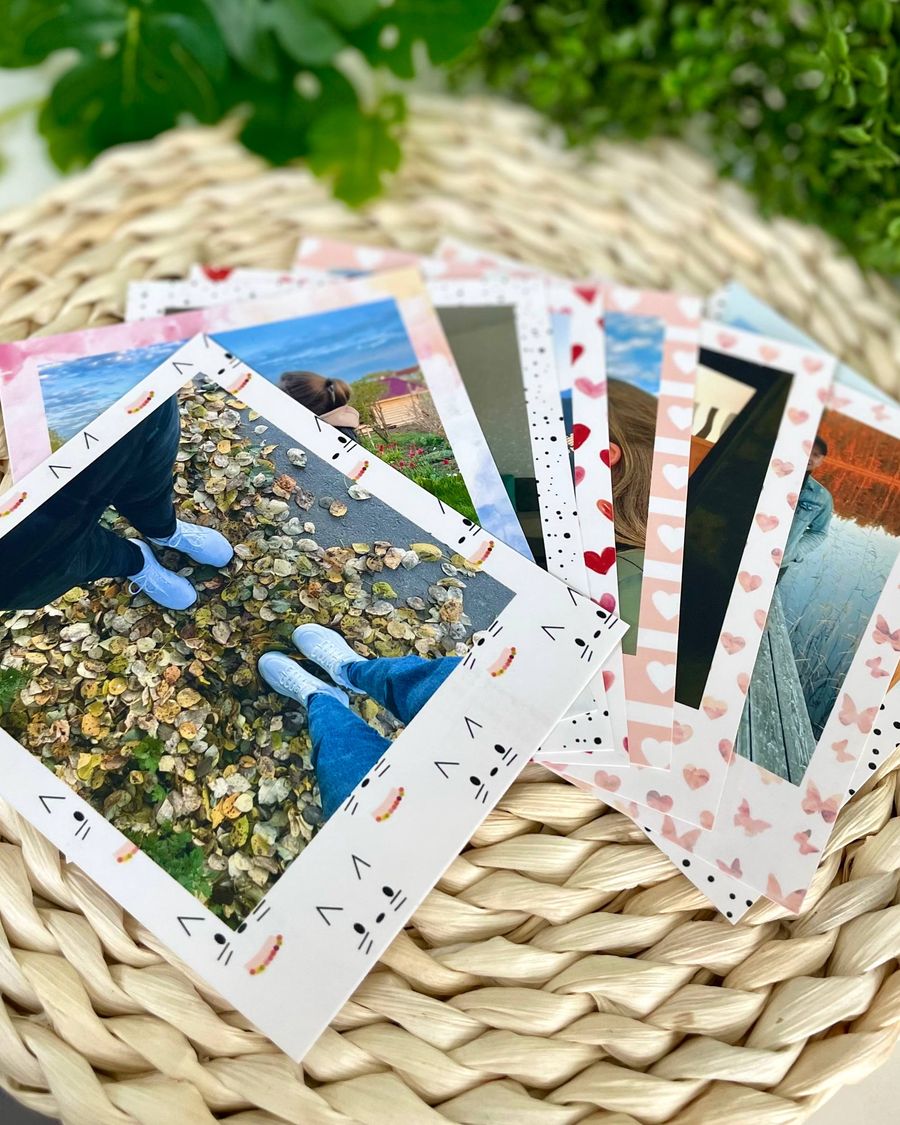 from vacation
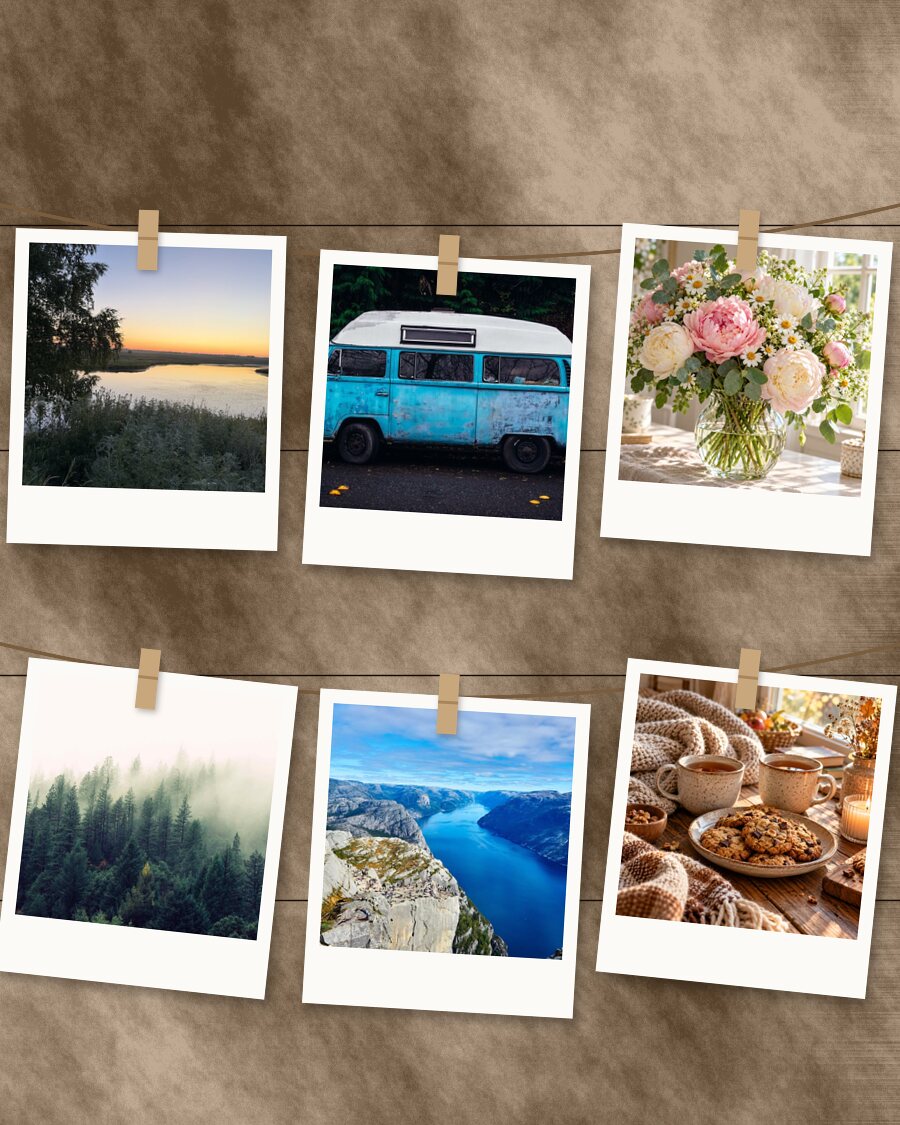 a whole stack
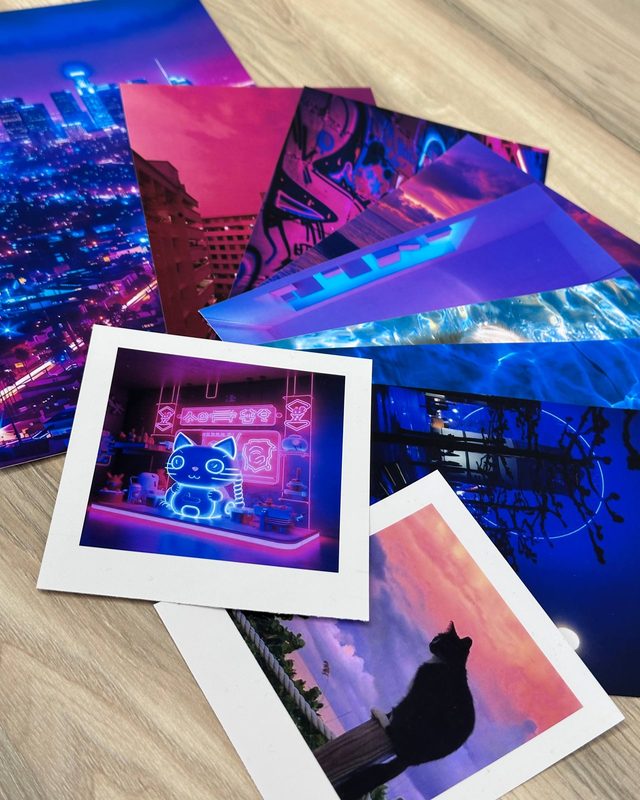 bold gloss
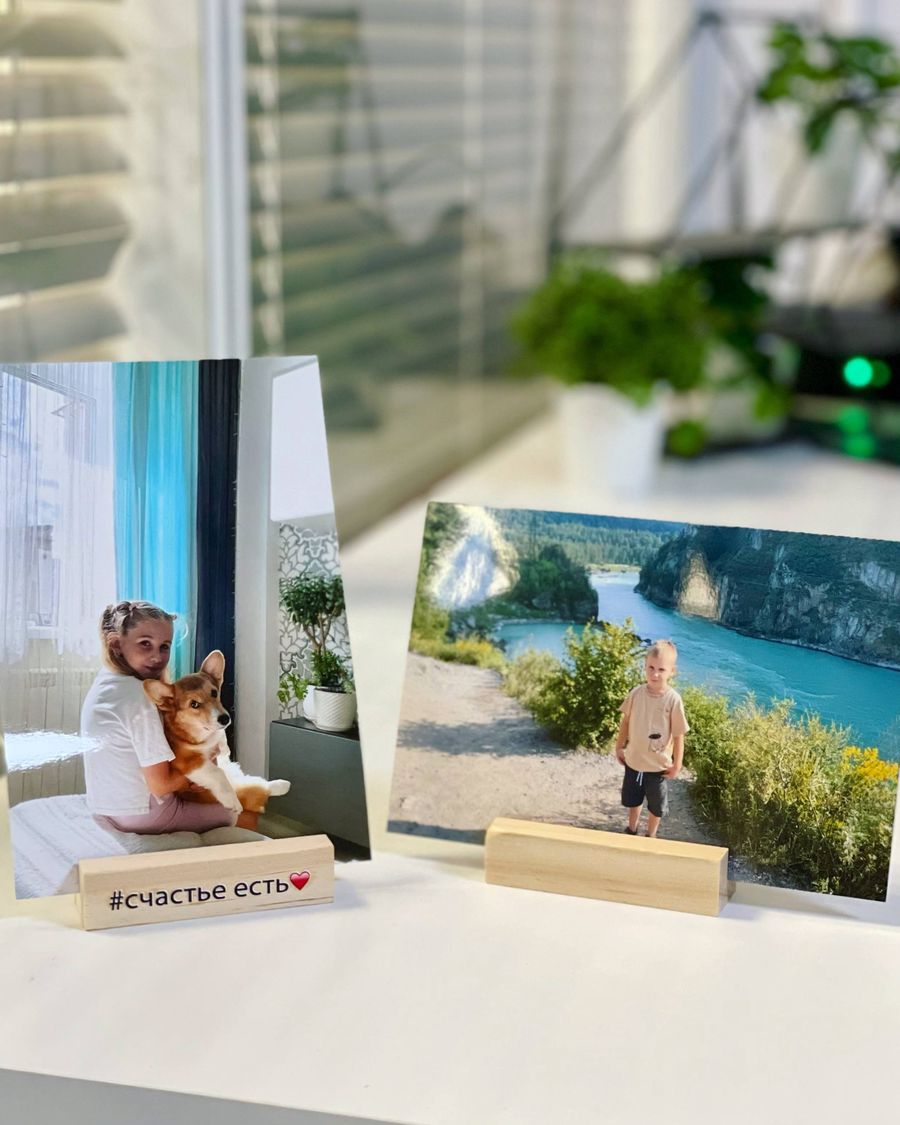 on stands
Your website answers customer questions
A “?” icon next to every option gives a short answer — no call to the print studio.
Didn't find the answer?An engineer will reply on WhatsApp, and in our showroom we'll show you the machines and the platform in person.
Glossy or matte?
Glossy gives bright colors and shine. Matte has no glare and doesn't show fingerprints.
Which size should I choose?
Size is the print dimensions in centimeters. A standard photo for an album is 10×15. We also offer 15×20, 15×21, 15×15, 203×297 mm (A4 lab) and 203×305 mm.
Full frame or no borders?
Full frame prints the whole photo, so white strips may remain at the edges. No borders fills the entire sheet and trims the edges slightly.
What are the frames?
The frame is printed right on the photo: solid, Polaroid, Lumber, Zebra or Hook. Click an option and the photo on screen instantly shows how it looks.
Which files can I upload?
JPG, PNG, HEIC, WebP and ZIP archives with such photos. Pick them from your device, drag them anywhere on the page or upload from Yandex Disk.
What does “low quality” mean?
Below 100 dpi for the selected size means the print will be blurry. Medium quality, 100–179 dpi, may come out soft.
Buy a printer and get an online photo printing studio
PhotoBox connects to your platform website along with the other modules. We'll help you choose the equipment and show the module in action.
Next module: Polaroid and photo strips →Online photo printing (PhotoBox)
The PhotoBox module on your website: the customer uploads hundreds of photos, chooses format, paper, borders and frame, and sees the discounted price. The order arrives sorted by format and paper.
