The order is already in the cart
The photo goes into the site's main cart — the customer pays for it along with other orders. The order shows the document, option, color and quantity.
The customer takes a photo at home on a phone and uploads it. The service removes the background, aligns the face to the document guidelines and resizes it, for example to 35×45 mm. You get the order: print the sheet or send the finished file.
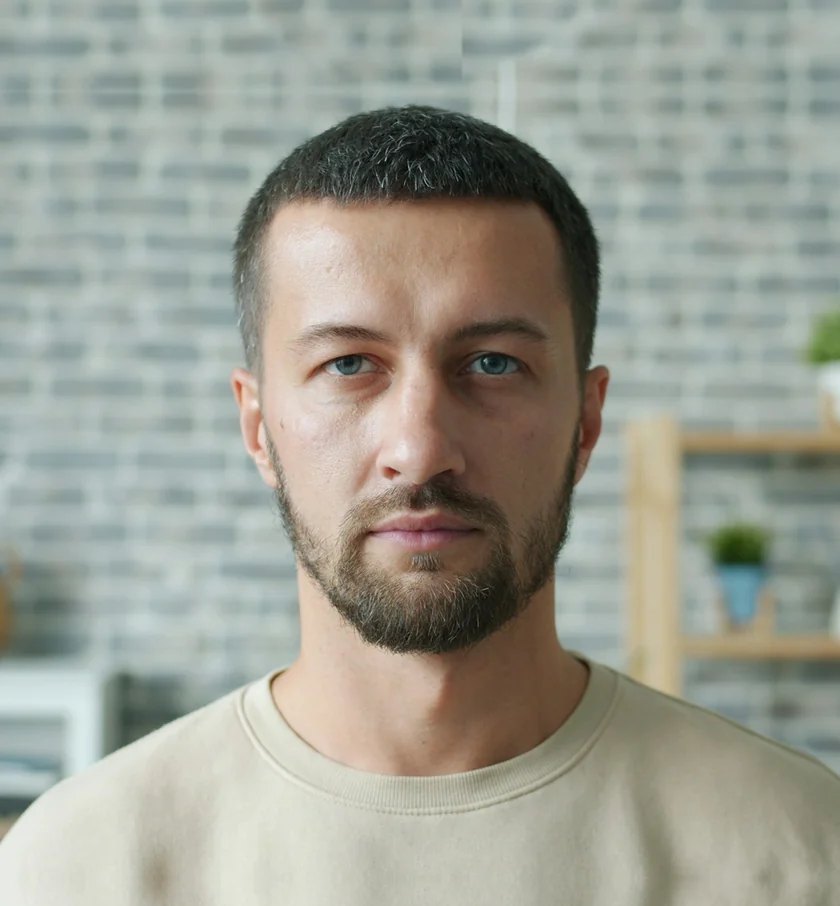
The document list and prices come from the module on pechat55.ru. Pick a document and the frame guidelines change to its requirements. Drag the slider to compare the shot before and after.
1Document Russian Federation
2Shot Russian internal passport
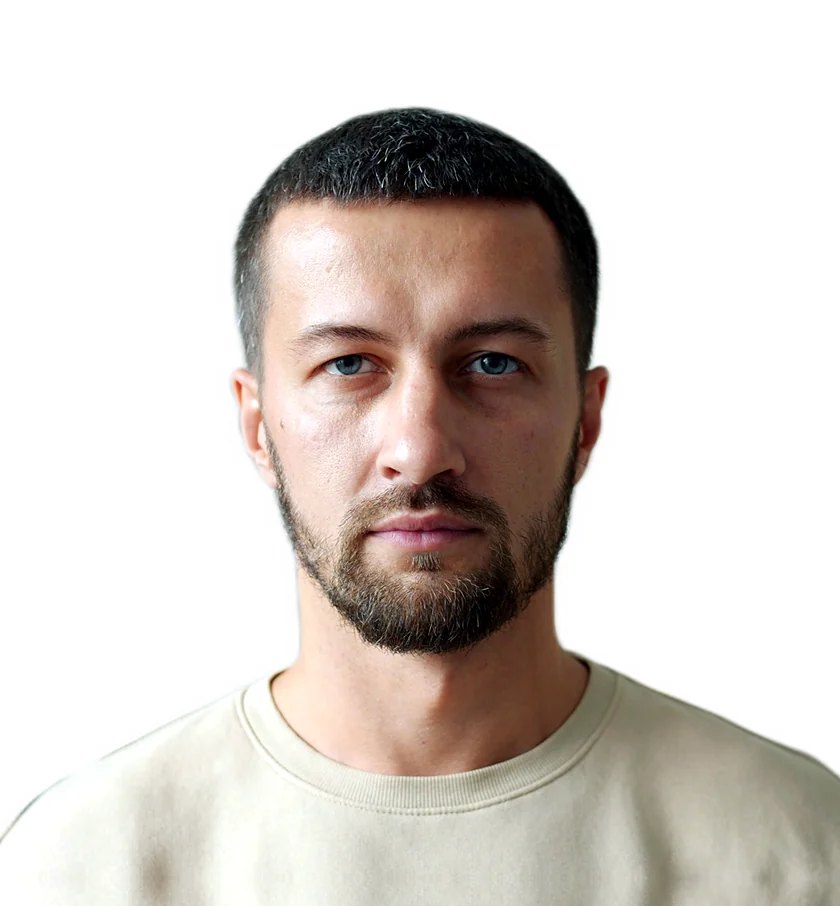
The customer takes the photo and the service prepares the shot. All you do is print the sheet on photo paper and cut along the marks — or print nothing if only the file was ordered.
The photo goes into the site's main cart — the customer pays for it along with other orders. The order shows the document, option, color and quantity.
Four photos on one sheet: print on photo paper and cut along the marks.
The file in the right size arrives at the email given at checkout — just attach it to your application.
Each option has its own price — file, print, print with file. The customer's total updates instantly.
On pechat55.ru every popular document has its own page with requirements and answers:
The tips sit right next to the photo upload, so customers send a bad shot less often.
It's better if someone else takes the shot from 1–1,5 meters with the phone at eye level: a selfie at arm's length distorts the face.
the service tells you itself if the shot won't work
This is how Pechat55 answers customers. You can edit the texts to match your pickup points and prices.
Didn't find the answer?An engineer will reply on WhatsApp, and in our showroom we'll show you the machines and the platform in person.
If you submit the documents in person at the MVD or an MFC, they usually ask for two photos. We print four on a sheet, so you have spares.
Yes, choose the "Send by email" or "Print + send by email" option. The file comes in the right size and you can attach it to your application right away.
A regular phone photo: face forward, even light, looking at the camera. We remove the background ourselves. The file must be JPG or PNG, at least 400 px on the short side.
Yes, both color and black-and-white photos are accepted for a passport. You pick the color when you order.
The requirements are the same as for adults, and the size is the same: 35×45 mm.
You can get the finished sheet printed at either of our two print shops in Omsk, or as a file by email.
We'll pick the equipment and connect this section along with the rest of the platform: catalog, cart, payment and delivery.
A ready-made "ID photos" section for your website: the customer uploads a shot from their phone, the service removes the background and fits the picture to the document, and you receive a print order or the file.
