Online commissioning or an engineer visit: which to choose?
The video dated 5 February 2024 explains how to choose a commissioning format: assembly, checks and the first printer start-up. It covers an engineer's work on site and support by video call, including training in machine care. Click a time to play the video from that point. The video is in Russian.
Questions and answers by the minute
0:00 When do you need an engineer on site to start a printer?
For complex printing equipment, the video recommends commissioning with an engineer on site. The engineer assembles and starts the machine with the owner present, trains staff and explains equipment care.
0:24 How does online printer commissioning work?
For online commissioning, the engineer connects with the owner by video call. This is how the video describes remote printer start-up.
0:35 What internet connection do you need for remote printer start-up?
You need a good internet connection: the checks begin with a visual inspection of the equipment. With poor video quality, the engineer may miss important details. The engineer then guides the person at the printer.
1:00 How far does the engineer guide you through an online start-up?
The video describes support from switching the machine on through to getting it fully operational. This includes setting up the printing and printing itself.
1:10 Does online start-up include training in printer care?
Yes, the engineer explains how to service, clean and wipe down printer parts, and what to lubricate and when. The owner does this work together with the engineer. The video stresses that this gives the owner practical experience in caring for the equipment.
1:36 Can you start a printer with online support if you have no experience?
The video links the ability to start a machine yourself to having a straightforward printer and experience with other printers. Without that experience, the advice is to invite an engineer to your premises. The owner's practical skills are not treated as equivalent to an engineer's experience.
Where should you start when choosing a start-up format?
Before choosing, answer three questions: how complex is the machine, who will be working beside it, and will the engineer be able to inspect it over a video call? The video does not list any "simple" models. So you should not put a particular printer in this group based on its name alone.
Assess the experience of the person who will follow the engineer's instructions. When discussing online start-up, it helps to say from the outset which printers they have already worked with. It is experience with other machines that the presenter links to being able to start straightforward equipment yourself.
What should you discuss with the engineer before work begins?
This is our list, based on the video. Use it as questions for the engineer who will guide the start-up:
- Is remote support suitable for your machine and your staff member's experience?
- Is the video call quality good enough to inspect the printer's parts?
- How will training in the software work?
- Which parts need cleaning and lubrication, and how often?
- How will you check the first print together?
What should you check before commissioning is complete?
The description of an engineer's visit gives a useful benchmark: printing together until the owner is happy with the result. So when discussing the work, focus not only on switching the machine on, but also on checking the print together with the engineer.
Return to equipment care separately: does the staff member understand what to do and how often? The training described in the video covers ongoing printer maintenance. Use this part of the conversation to ask any remaining questions about cleaning and lubrication.
Below is similar equipment related to the video's topic. The video does not name the exact model. This selection alone does not determine which start-up format is suitable for them.
Equipment in the catalogue
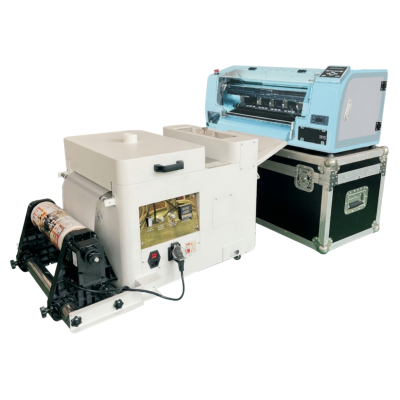 DTF line 30 cm mini, 2 heads
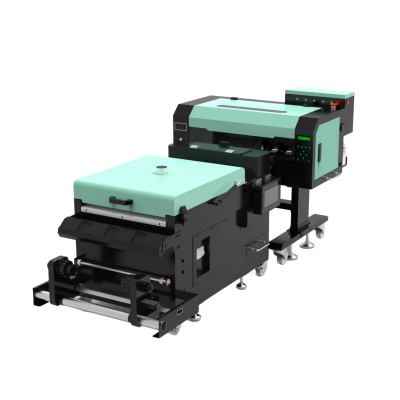 DTF line 33 cm T200 + SD400, 2×i1600
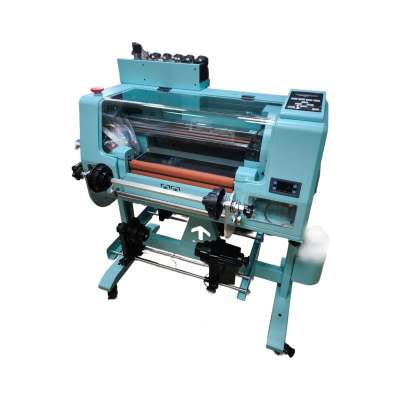 UV DTF printer 30 cm, i3200-HD
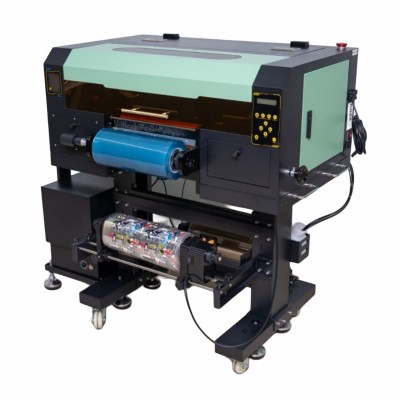 UV DTF printer 30 cm TF230, 2×i1600
