Preparing artwork for DTF and UV printing in Photoshop
For colours to show on dark fabric or objects, a white layer called the underbase is printed under them. The video shows how to make it and a varnish layer in Photoshop. Click a time to play the video from that point. The video is in Russian.
Questions and answers by the minute
0:00 What should the file be like?
Without a background, for example PNG or TIFF, in CMYK and at 300 pixels per inch. With less resolution the underbase shrinks roughly.
0:53 How to select the artwork for the underbase?
Ctrl-click the layer thumbnail, then Select, Modify, Contract by 1–3 pixels. Careful: lines one pixel wide will vanish.
1:47 How is the white layer made?
In Channels create a new spot channel named V1. Its colour and density change nothing; they only help you see the underbase.
2:33 How is varnish made for UV-DTF?
Select the artwork again but do not contract it, and create the V2 channel. Save the file as PDF with an English name.
3:13 Why does white text disappear?
If you contract the underbase under thin white elements, they are not printed. First turn the text into pixels.
4:24 What if colour and text are on different layers?
Contract the selection of the colour layer, then add the text as a whole with Ctrl and Shift. Only the area under colour shrinks.
4:49 And if the layers are already merged?
After contracting, select white again with the magic wand at tolerance 1. Do not make two V1 channels: the print will be wrong.
5:46 How to varnish only a part?
Make the white underbase, then select the places with the wand or by hand. If the wand misses some, raise the tolerance a little.
7:15 How to lay out several images?
Make a sheet as wide as the print and about 200 cm long, move the images in, merge layers and only then make the channel. Identical copies are easier to lay out in FlexiPrint.
A short checklist
- No background, CMYK, 300 pixels per inch.
- Select the artwork and contract by 1–3 pixels.
- Spot channel V1 is white.
- For UV-DTF, channel V2 without contracting is varnish.
- Save a PDF with an English name.
Why shrink the underbase?
Heads never match perfectly and white may peek out from under colour. It is most visible on boards with whole-step settings such as Senyang; see the video on ATools.
Equipment and materials
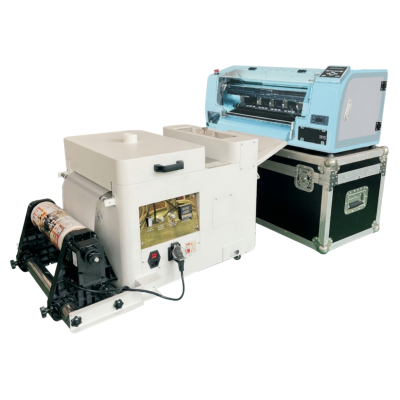 DTF line 30 cm mini, 2 heads
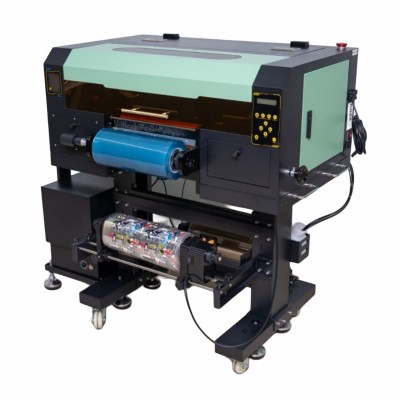 UV DTF printer 30 cm TF230, 2×i1600
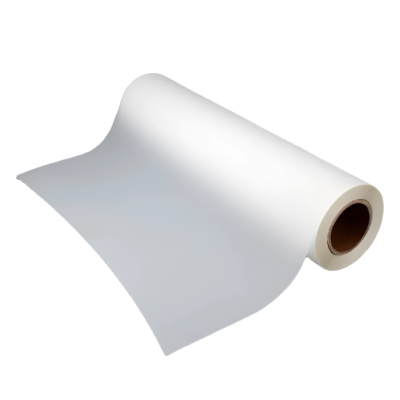 DTF film 75 µm, 100 m roll
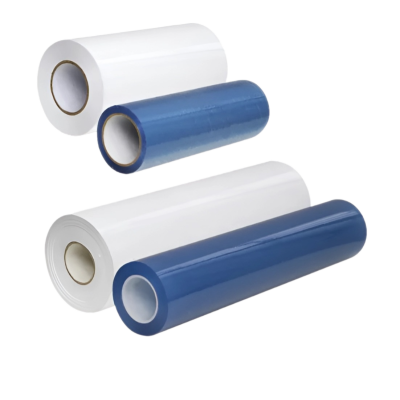 UV DTF film, A+B kit, 100 m roll
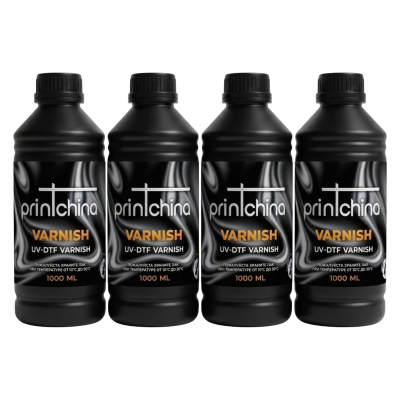 UV-DTF varnish (Varnish)
