Non-obvious printing problems: cap, pump, cable, wiper
A PrintChina engineer discusses inkjet printer faults that are hard to spot. The video covers the printhead, the part that applies ink, and components that affect its operation. Click a time to play the video from that point. The video is in Russian.
Questions and answers by the minute
0:31 Why does one head dry and the other not?
The video describes a case where one printhead stops printing through some of its nozzles, the openings that release ink, after five minutes of standing idle. One possible cause is a poor seal against the cap, the cover beneath the parked head. The engineer suggests checking how the head, platform and cap are mounted: uneven mounting can prevent a tight seal.
2:15 The test was good after priming, then printing failed. Why?
The recirculation pump, which moves ink around a loop, may be running too strongly. The video describes a system where the pump draws ink from an intermediate tank that is refilled by gravity. If the pump draws more ink than enters the tank, it may also draw ink from the dampers, small chambers that feed ink to the head. The engineer discusses reducing the pump's intensity.
3:41 Whole channels are gone: the head or the cable?
The video gives an example involving an i3200 printhead: six of its eight ink channels appear on the test. If ink is reaching the channels but two do not print at all, the ribbon cable, a flat cable connected to the head, is a likely cause. The other channels may continue to work.
4:40 How do you check a damper?
The engineer suggests swapping the suspect damper with its neighbour. If the problem moves to the other channel with the damper, it should be replaced.
5:08 How often should dampers be changed?
The engineer advises leaving dampers alone while there are no problems: he says they work for years on some machines. He also mentions replacing ink filters, but gives no replacement interval in this section.
5:42 How can the wiper, the rubber blade that cleans the head, affect printing?
A dirty wiper that starts moving well before it reaches the head can carry old dirt onto it. The video also discusses uneven positioning and excessive pressure: the blade may press too hard against one head and not firmly enough against the other. The engineer explains that the wiper should be level, without a gap or excessive pressure, and should start working close to the head.
6:41 A new printer prints «static». What should be checked?
The video suggests checking the waveform, the shape of the signal that controls the head. An unsuitable waveform can produce stripes instead of individual nozzle marks, or a test that changes each time. The waveform is selected in the engineering menu, a section containing advanced printer settings. The engineer recommends asking the supplier for the correct number or file.
How to see quickly where to look?
- One head dries while the other prints normally – check how the cap seals against it.
- Printing fails soon after priming – the recirculation pump may be involved in a system where gravity feeds the intermediate tank.
- A channel does not print at all even though ink is reaching it – the ribbon cable may be at fault.
- A channel prints poorly but has not disappeared entirely – the video describes a way to check the damper.
- Problems with head cleaning – pay attention to the wiper's position and cleanliness.
- Stripes appear instead of a normal test during initial setup – the drive waveform may be unsuitable.
What can you do yourself?
The video does not provide a general guide to servicing all these components yourself. The engineer discusses fault symptoms and individual checks. If adjusting the pump requires accessing its motor, do not attempt this yourself – contact a service technician. If none of the waveform options in the menu produces a normal test, discuss this with the supplier: the video mentions receiving separate settings files. If you need a replacement, see the i3200 head and spare parts.
Useful items
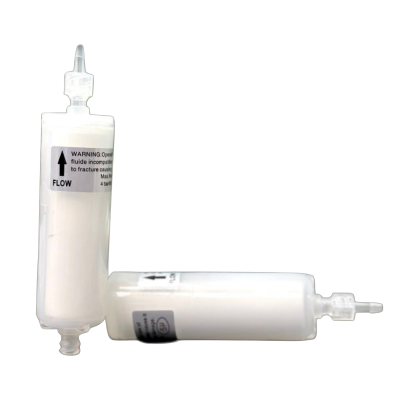 DTF ink filter, 5 micron
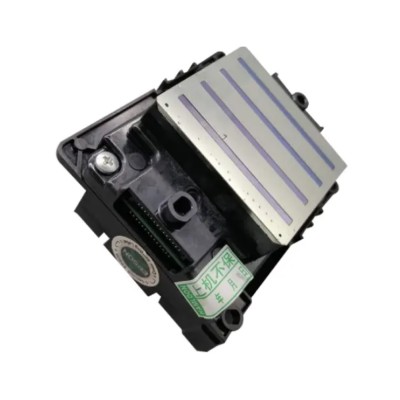 Epson i3200 printhead E1
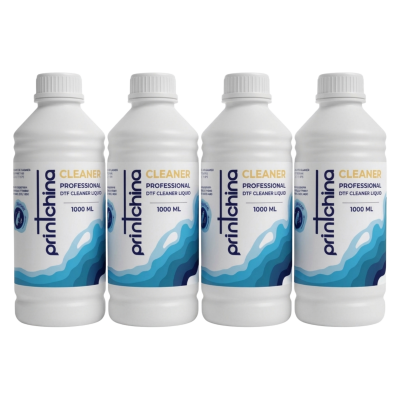 DTF printer cleaning fluid (DTF Cleaner)
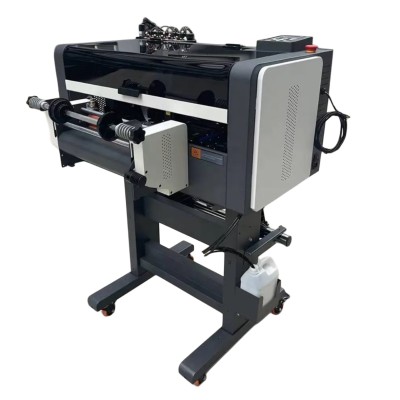 UV DTF printer 30 cm for textiles, 3×i3200
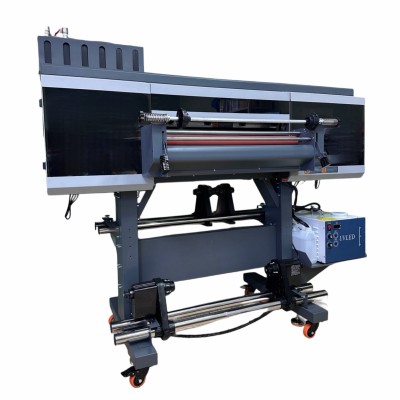 UV DTF printer 60 cm for textiles, 3×i3200
