10 DTF printer problems and the main one: what to check
A PrintChina engineer discusses ten common DTF printer problems and, separately, operator inattention. He explains possible causes of printing faults. Click a time to play the video from that point. The video is in Russian.
Questions and answers by the minute
0:26 How can a cap damage the head?
The cap covers the parked printhead and is pressed by a spring. If it presses too weakly, air gets in and the head dries. If it presses too hard, the underside of the head may deform.
1:45 What if the wiper is crooked?
The wiper is a rubber blade that wipes the head after cleaning. If it is tilted or too low, a gap remains on one side and the head is not wiped completely. The test then shows gaps and mixed colours.
2:52 Why do colours mix on the nozzle test?
Nozzles are the openings through which ink is ejected. One cause of mixed colours on the test is spraying ink during cleaning with the cap pressed up. The ink forms a mist that bounces back to the head, so red appears in the yellow channel. Height, time and repeats are set in the software.
3:36 The test is fine but nozzles stop printing during a run. Why?
A damper is a component that supplies ink to the printhead. The video explains that ink only at the bottom of the damper, with air above it, can cause gaps during printing. The engineer demonstrates filling the damper with ink and discusses replacing a leaking damper. Do not repeat the procedure yourself; contact a service technician.
4:25 How do you find a tilted carriage?
The carriage is the moving assembly that holds the printheads. The video suggests comparing a bidirectional print test on the right and left: this checks printing as the carriage moves in both directions. If the lines align on only one side, a tilted carriage or incorrect clearances may be the cause. The engineer describes this as a complex problem.
5:18 What does “vacuum in the system” mean?
If the ink tank lid is tightly closed and there is no opening to admit air, ink stops flowing to the head. In the system shown, the printer first uses up the ink in an intermediate reservoir, then air appears in the tubes. The video discusses drilling the lid and fitting a filter. Do not attempt this modification yourself; contact a service technician.
7:22 Why set the head voltage?
Every head has its own working voltage; even two XP600 heads differ. The manufacturer states it in the documents and it is entered in the control software. It affects how evenly the head sprays on long runs.
8:00 How do you recognise a clogged manifold?
The manifold distributes ink on the printhead. The video describes a case where the ink, filters and dampers are new and the test looks good after cleaning, but gaps appear after a couple of metres of printing. The engineer links this to deposits in the manifold and discusses replacing it, because washing does not help for long.
8:48 Why are there dots and bald spots on the print?
The video explains that dots and bald spots can occur when adhesive powder passes through ink that has not yet dried enough. The engineer discusses heating and airflow before the powder is applied. He links the “veil” around the image to invisible wet ink mist that catches adhesive. Do not try the heating procedures yourself; contact a service technician.
10:30 How do ink and filters affect quality?
Ink can spoil before its expiry date: the video recalls a magenta ink that misted until it was replaced. Filters on all channels are changed along with the ink. The video of 17 June 2024 also discusses replacing a filter after 20 litres of ink have passed through it.
12:37 Why can operator inattention damage the printer?
If the film runs out and there is no sensor to detect it, the carriage may catch the loose end and damage the heads. The engineer advises choosing lines with a film sensor and asks you not to leave the printer for long.
Which unit should be checked first?
A hint by symptom, put together from the video:
- Nozzles stop printing after parking: check the cap.
- Nozzles stop printing during a run: dampers, ink tank lid, then the manifold.
- Colours mix on the test: the wiper and the cleaning spray settings.
- Left and right print differently: the carriage level.
- Dots and a veil on the finished print: possibly linked to ink not drying enough before adhesive is applied.
How to keep the problems from coming back?
Change filters together with the ink, watch expiry dates and do not leave the line unattended. Discuss fitting an air filter to the ink tank lid with a service technician.
Supplies from the video
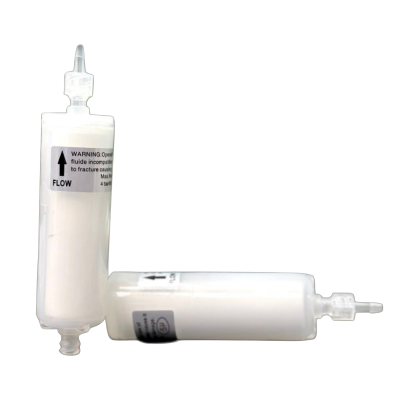 DTF ink filter, 5 micron
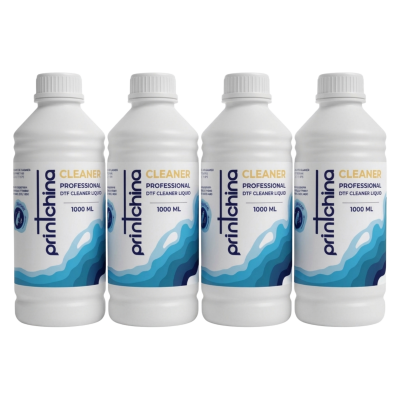 DTF printer cleaning fluid (DTF Cleaner)
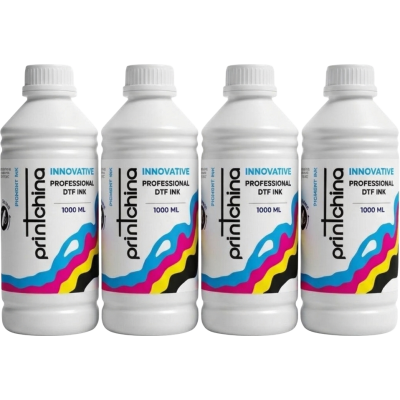 DTF ink white (White), 1 L
- DTF CMYK colour ink, 1 L
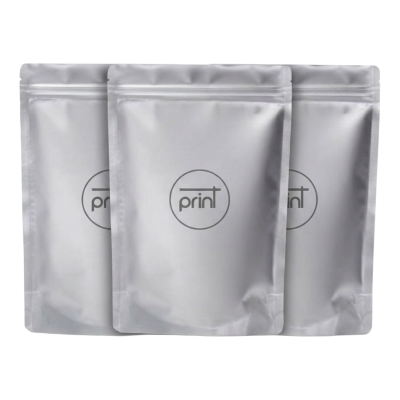 DTF powder (hot-melt adhesive), 1 kg
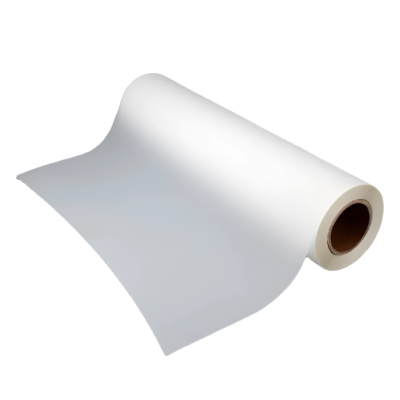 DTF film 75 µm, 100 m roll
