What should you check when commissioning DTG with CMYK and RGBO?
In the video of 12 June 2026, the PrintChina team commissions a DTG system for printing directly onto fabric in St Petersburg. We look at the steps from setup to the owner working independently: what is checked during commissioning and what questions remain after the first T-shirts.
Questions and answers
What does the DTG system with CMYK and RGBO include?
The video shows a printer with four printheads and nine colours: the main CMYK colours, extra RGBO colours and white. The team also commissions a machine for applying primer, a treatment that prepares fabric for printing.
Why are the components and cables in a DTG printer labelled?
Labels help prevent mix-ups between colours and connections. On this machine, the dampers, small chambers that feed ink to the heads, are labelled, and the ribbon cables, which are flat cables, are marked with the head numbers.
What is the printhead lighting for?
The lighting lets you see the heads being cleaned. In the video, a plate shields the lamp from ink mist; separate lighting illuminates the whole working area.
Which sensors does the DTG printer shown have?
A laser sensor checks the height. The video also shows a collision sensor on the left in the direction of travel and specifically notes that there is no such sensor on the right.
How is the first test T-shirt printed?
In the video, the print quality is set to 1200 by 1800, and the T-shirt has already been treated with primer and dried. The team first checks the height clearance, then prints the white underbase followed by the colour layer.
What should you check before testing DTG at high speed?
After adjusting the heads and checking the sensors, the team suggests testing a higher speed. They also notice that the table wobbles and identify this as a possible cause of printing problems.
What is checked after a DTG test print?
After printing, the team checks the nozzles, the small openings through which ink comes out. They consider the overall result good but note a few missing nozzles in the test and discuss cleaning before finishing work.
Which DTG settings can you change in the software?
The software lets you disable a printhead and adjust brightness, contrast and saturation. During this commissioning, those sliders are left at zero and the print quality is set to 1200 by 1800.
Can you print DTG on a white T-shirt without primer?
In the video, colour is printed on a white T-shirt without a white underbase or primer. The participants say the print cannot be felt on the fabric and has already been washed, but how many washes it will withstand remains an open question.
Why does ink bleed when printing DTG without primer?
The video points to raised fibres as the cause: without primer, a single fibre sticking up can cause ink to bleed. This is why the surface of the T-shirt is checked particularly carefully before this kind of test.
What do the extra RGBO colours add when printing on black fabric?
On the black T-shirt in the video, a white underbase is printed first, followed by CMYK and RGBO. The presenter points out bright, saturated shades described as neon; the result is also shown with the lighting switched off.
How can you assess commissioning before working independently?
An important outcome of commissioning is that the owner sends a job to print themselves under the engineer's supervision. On the return visit, they are already loading a T-shirt and working with prepared artwork. During handover, it is therefore useful to work through the whole process yourself and go over any unclear steps with the person setting up the machine.
This is our checklist, based on the video.
- Prepare a job yourself and demonstrate how to start printing.
- Review the test print and nozzle check with the engineer.
- Make a separate note of the tests still needed after commissioning.
What still needs adjusting after the first prints?
The participants explicitly say that they still need to experiment with ink layer thickness. The machine is already printing, but work on the result on fabric continues. When choosing equipment, this approach is useful: assess your own design on a T-shirt, its details and how the finished surface feels.
A good sample and fully adjusted print settings are different stages. During commissioning, discuss what results have already been achieved and which properties are still being tested. This is especially relevant to printing without primer: the video itself leaves the question of further washing open.
How does the system shown compare with the catalogue?
Similar printers and supplies are listed below. The video does not name the exact model. The ADL04R01B product page lists Brother DTG heads, while the PRC-5060 page lists KS1680 heads. Both pages describe a CMYK + W + ORGB configuration: main colours, white and extra colours.
Compare the print area as well as the colour set. For the PRC-5060, the product page lists a 50 × 60 cm table and a 470 × 600 mm print area separately. When choosing a printer for your artwork, use the print area as your guide.
Equipment in the catalogue
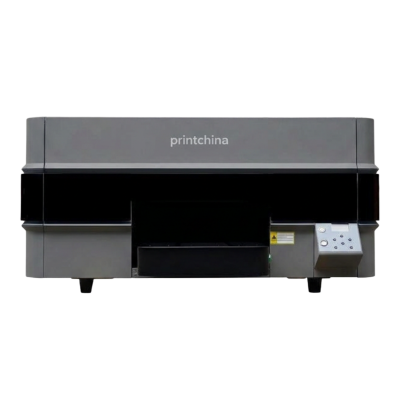 DTG printer ADL04R01B, 4 Brother printheads
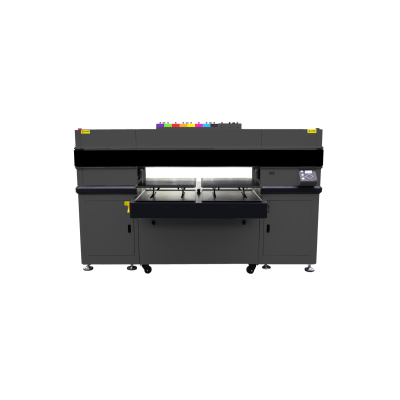 DTG printer PRC-5060, 4 KS1680 printheads
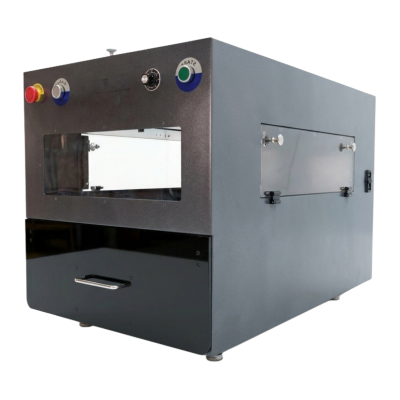 ADL04Q01 primer application machine
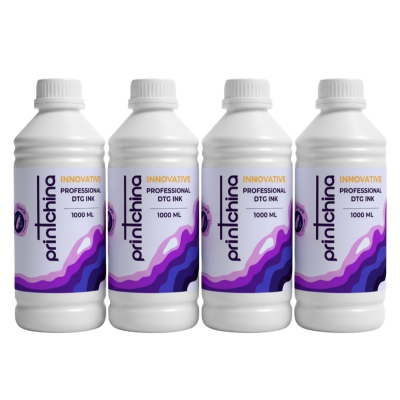 Color DTG ink CMYK and RGBO, 1 L
- White DTG ink (White), 1 L
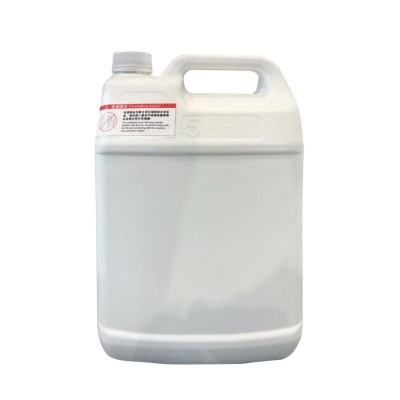 DTG primer, 5 L
