5 DTF printer maintenance mistakes
Too much maintenance can also harm a printer. Using its own DTF line, PrintChina shows which habits are unnecessary, which can damage the printhead and how to prepare the line for a holiday. Click a time to play the video from that point. The video is in Russian.
Questions and answers by the minute
0:00 Do you need special swabs and wipes?
The video uses baby wet wipes made from lint-free material. They remove dirt from the wiper, a rubber blade that cleans the head; the caps, cups that seal the heads during downtime; and the parking unit, where the heads rest. The edges of the carriage, the moving assembly that holds the heads, are also cleaned. A few wipes are placed around the parking unit to catch ink dust and, according to the video, replaced after a couple of weeks. The underside of the head is not touched.
2:46 Should nozzles be cleaned every day?
No: first print a nozzle test. Nozzles are the tiny openings in the printhead that release ink. Run a cleaning cycle if the test pattern has gaps; otherwise, cleaning is unnecessary. On their own i3200 line, according to the video of 15 February 2024, they sometimes clean once every three days. Extra cleaning uses ink and puts strain on the head.
3:43 How often should the line be cleaned?
According to the video, there is no need to clean it daily because that much dirt does not build up in a day. It suggests cleaning once every 3–4 days or once a week, and wiping the wiper as needed.
4:20 Why is daily cleaning risky?
The video describes moving the carriage away from its parking position and leaving it over a hot table. If you get distracted and forget it, the head that prints white ink may dry out. According to the video, this is especially dangerous for XP600, while i3200 can usually be brought back into operation.
5:05 How do you wipe the wiper correctly?
Wipe from right to left or from left to right. Do not press the rubber down: if it is loosely secured, it may shift and leave a gap, preventing the head from being wiped properly.
5:34 Can you pump the head with a syringe through the manifold?
The manifold is the ink distributor on the head. Forcing fluid into it with a syringe through a hose may break the head's seal or damage its channels. The video calls this a mistake.
6:13 Why not wipe the underside of the head?
The video calls this even riskier than using a syringe: the head will most likely need replacing, especially an XP600. As an alternative, it suggests soaking the head with fluid in the cap. It also describes drawing fluid through the drain while the cap presses against the head. Do not attempt pressure cleaning yourself; contact a service technician.
6:59 Is fluid needed in the caps every evening?
According to the video, it is unnecessary if the line will be idle for up to two days and the caps seal tightly against the heads. The printer must park evenly.
7:22 How do you leave the printer for a holiday?
The video advises filling the ink tanks, the containers that hold ink, with ink and filling the caps with fluid before a holiday of one or two weeks. It also advises against draining the ink: the ink supply tubes, the tanks and the dampers, components that feed ink to the printheads, may dry out.
Which rules are worth remembering?
- Nozzle test first, then decide about cleaning.
- Clean the units according to their condition.
- Never leave the carriage over a hot table.
- Do not rub the underside of the head or force fluid into it with a syringe.
- Before a holiday, the video advises filling the ink tanks and the caps.
Which fluid goes into the caps?
The catalogue includes DTF Cleaner – a cleaning fluid for DTF printers. For printing problems, see also 17 reasons for bad printing.
Do these intervals suit your printer?
The example of cleaning frequency in the video concerns a line with i3200 heads and quality ink. For short periods of downtime, the video gives a separate condition: the caps must seal tightly against the heads when parked. Its holiday advice covers XP600 and i3200. There is a separate guide on preparing a printer for longer storage.
Useful for maintenance
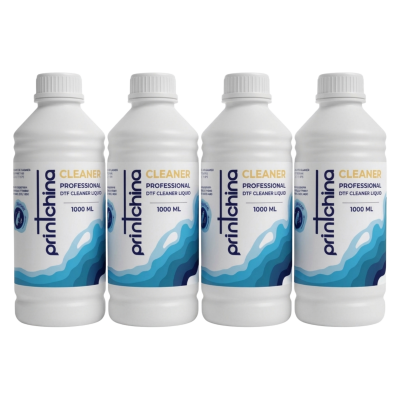 DTF printer cleaning fluid (DTF Cleaner)
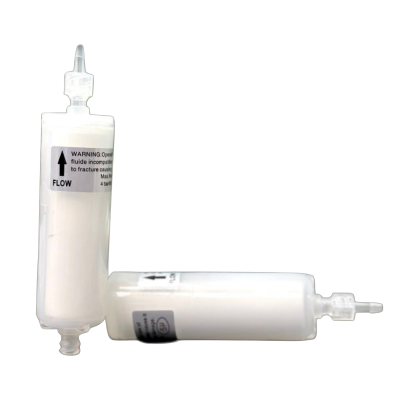 DTF ink filter, 5 micron
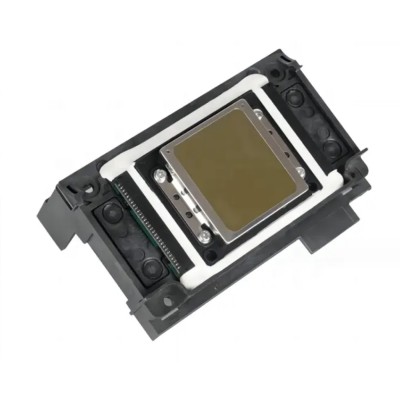 Epson XP600 printhead, genuine
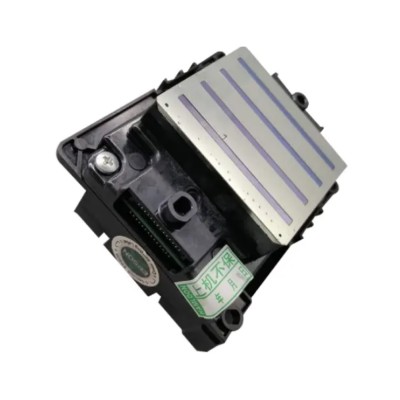 Epson i3200 printhead E1
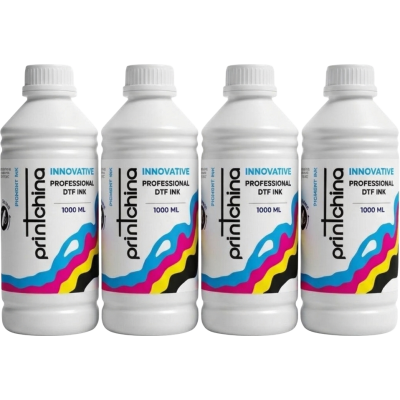 DTF ink white (White), 1 L
- DTF CMYK colour ink, 1 L
